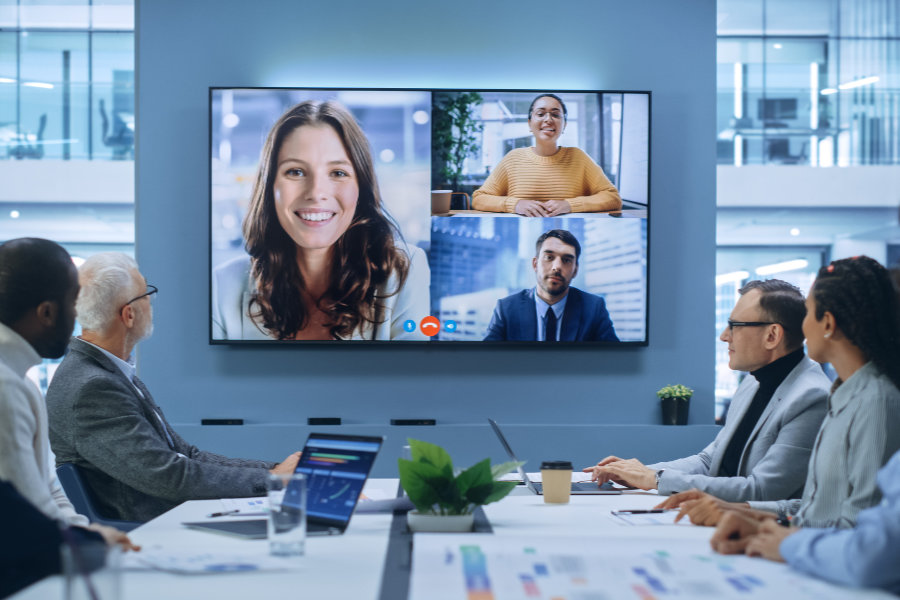
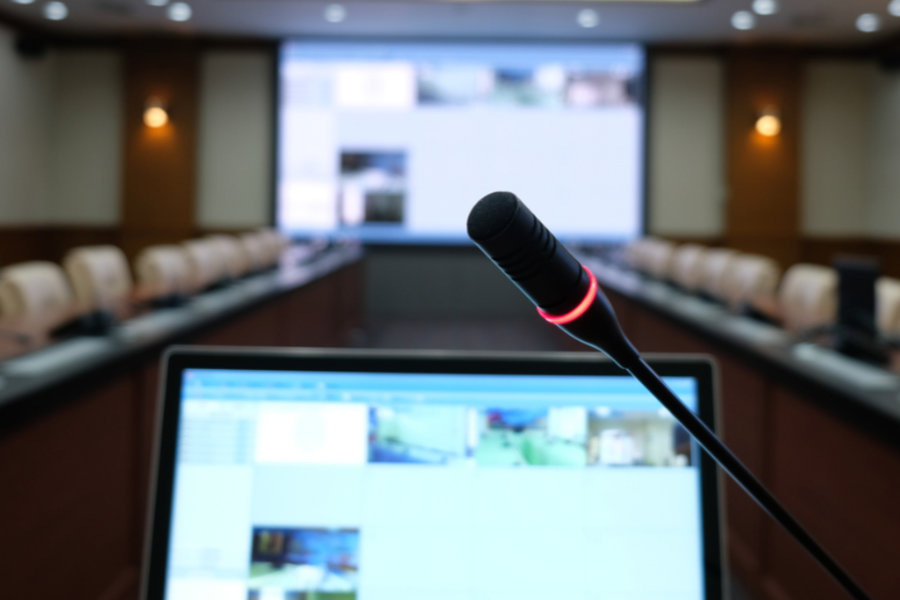
Selecting the right audiovisual (AV) setup depends as much on room size and purpose as it does on technology choice. Whether you are planning a small huddle space, a mid-sized team room, or a large conference area, understanding practical AV setup examples helps you achieve clearer communication, effective collaboration and a smooth user experience. Below, we break this down into real-world setups that suit a range of spaces and needs.
Small Spaces: Huddle Rooms and Focus Areas
Typical size: 1–4 people.
Intimate spaces for quick discussions or one-on-one meetings. Source guides define these as focus or huddle rooms.
AV setup example:
Display – single 50–65″ flat panel or interactive screen that is easily visible from all seats.
Camera – a compact wide-angle USB or video bar camera for simple video calls.
Audio – built-in microphones and speakers within the video bar deliver satisfactory sound for small groups.
Best for: quick check-in calls, short brainstorming sessions and internal team catch-ups.
Often used for executive meetings, webinars, or presentations with hybrid participation.
AV setup example:
Displays – dual large-format displays or a projector for clear viewing across the space.
Cameras – multiple PTZ (pan/tilt/zoom) cameras or multi-camera setups that automatically track speakers or focus views where needed.
Audio – distributed ceiling speakers and ceiling-mounted microphones with echo cancellation and DSP (Digital Signal Processing) ensure even sound coverage throughout the room.
Best for: high-profile presentations, hybrid team events and large-group brainstorming.
Multi-Purpose and Flexible Spaces
Larger rooms that serve multiple functions, such as training centres or divisible meeting areas, require flexible AV systems. Integrated control systems allow room modes to switch effortlessly (e.g. presentation mode, workshop mode or hybrid call mode).
AV elements to consider:
Large interactive display or projector with wireless presentation tools.
Networked audio systems that can zone sound based on layout.
Simple room control interfaces for lighting, volume and source selection.
Matching AV to Room Purpose
Choosing the right AV setup is not just about size; it’s about how the room is used:
Collaboration spaces prioritise easy screen sharing and clear two-way audio.
Presentation rooms emphasise large displays and audience-facing audio.
Hybrid rooms balance camera visibility, remote participant inclusion and intuitive controls.
If you are planning an AV upgrade or want to review whether your current meeting spaces are set up for secure, reliable use, we’d be happy to help.
Contact Us
Get in touch with Lucid to discuss your requirements. We can support the design, implementation and ongoing performance of your audiovisual systems, ensuring they work smoothly and securely as part of your wider technology environment.